Marble Sort Level 291 Walkthrough & Solution
Marble Sort Level 291 walkthrough: Arrow Box Web. Follow the verified order and keep the conveyor clear for the final clears.
Levels · 291
Levels 460–460
Levels 487–487
Levels 500–500
Levels 517–517
Levels 550–550

Marble Sort Level 291 Walkthrough & Solution
Level 291 Board Overview: Arrow Box Web
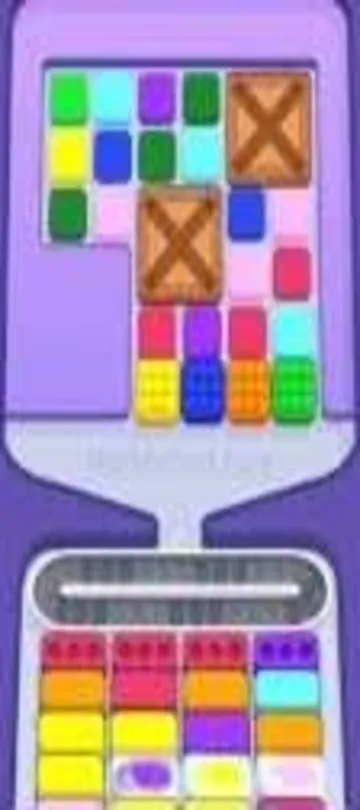
The verified walkthrough identifies the opening board as Arrow Box Web. The first confirmed moves are: Open by letting the red and orange receivers that poke down at the tray’s mid-bottom fall, which feeds receivers one, three, and four, while the soft-pink one that also pokes down stays untouched. Then: Select the plain red receiver down in the grid’s lower-middle to finish a red bottom Box and rotate in a replacement, then empty the plain orange receiver on the right side. The next safe order is recorded below so the belt does not fill with bait.
The Trap in Marble Sort Level 291
- Opening bait: With that plain orange receiver gone, the cyan right-arrow receiver beside it opens up and supplies the cyan bottom Box in the second position.
- Board order: Keep your hands off the massive Green and Purple blocks in the top-left corner, since no Green or Purple Box is active yet and they would plug your Conveyor Belt.
- Belt discipline: Use only the first verified clears here; do not spend belt space on a color without an active receiver.
Marble Sort Level 291 Step-by-Step Walkthrough
Opening: follow the safe first clears
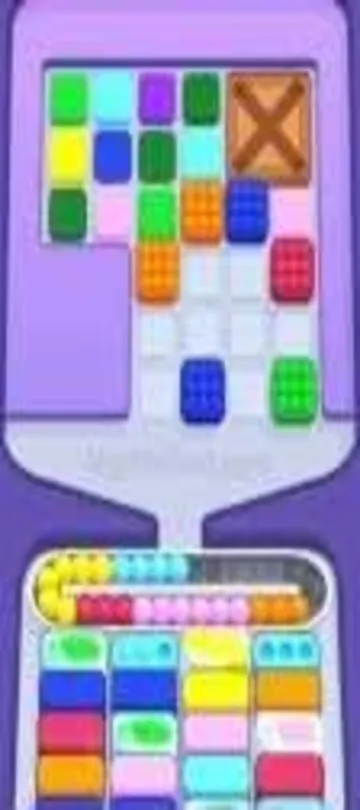
- Open by letting the red and orange receivers that poke down at the tray’s mid-bottom fall, which feeds receivers one, three, and four, while the soft-pink one that also pokes down stays untouched.
- Select the plain red receiver down in the grid’s lower-middle to finish a red bottom Box and rotate in a replacement, then empty the plain orange receiver on the right side.
- With that plain orange receiver gone, the cyan right-arrow receiver beside it opens up and supplies the cyan bottom Box in the second position.
Midgame: open the next receiver path
After the opening clears, let the next exposed groups move only when their receiver is ready.
- Keep your hands off the massive Green and Purple blocks in the top-left corner, since no Green or Purple Box is active yet and they would plug your Conveyor Belt.
- After the first batch of red, cyan, and orange clears, the bottom refreshes to green, brown, soft-pink, and another cyan, making it safe to release the soft-pink receiver that pokes down at the bottom.
- Route the soft-pink and leftover cyan receivers to satisfy the new bottom row, then clear the bright green and middle green cores so the arrow locks on the left can finally let go.
Cleanup: finish the remaining sequence
The final phase follows the remaining source order. Pause whenever the belt starts to fill.
- In the late game, hold the brown blocks until the brown bottom receiver turns active, and release the huge green pile on the middle-left just as a pair of green receivers line up side by side.
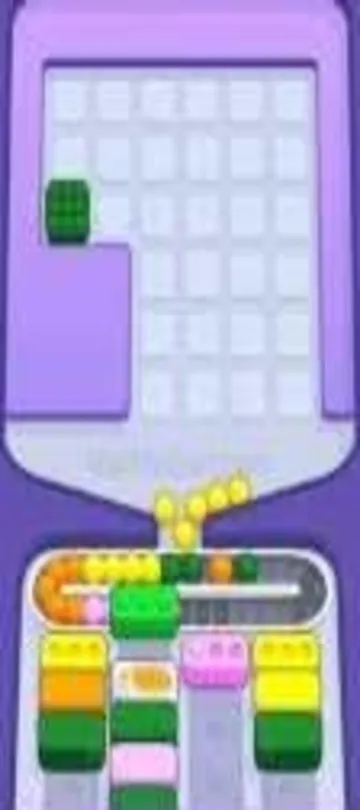
- Wrap up by emptying the purple down-arrow once the lower purple blocks open a route, then methodically clear the rest of the purple and soft-pink blocks while never queueing more than two unmatched colors on the belt.
Level 291 Tips Recap
- With that plain orange receiver gone, the cyan right-arrow receiver beside it opens up and supplies the cyan bottom Box in the second position.
- Route the soft-pink and leftover cyan receivers to satisfy the new bottom row, then clear the bright green and middle green cores so the arrow locks on the left can finally let go.
- Wrap up by emptying the purple down-arrow once the lower purple blocks open a route, then methodically clear the rest of the purple and soft-pink blocks while never queueing more than two unmatched colors on the belt.
Related Articles
blog
Marble Sort Dispensers & Locks Guide: Key Order
Learn how Dispensers and Locks work in Marble Sort: find the hidden Key, use Pop-It and Numbered Dispensers without clogging the belt, and beat Level 805.
blog
Marble Sort Locked Pallet Guide: Key Queue Timing
Master the Locked Pallet in Marble Sort: how the key queue works, why keys ignore color, and the timing tricks that stop locked boxes from stalling your run.
blog
Marble Sort Video Walkthroughs — All Levels on YouTube
Every Marble Sort level 1-20 solved on video — the complete walkthrough series by Rock Gaming Channel, embedded level by level with links to the written guides.
Was this helpful?
Thanks for the feedback!